
internal:proddocs:6010
This is an old revision of the document!
Warning: Undefined array key 1 in /data/docs.osukl.com/public_html/lib/plugins/note/syntax.php on line 103
Table of Contents
6010 Build Instructions
The Compute Module 4 contains components that are sensitive to electrostatic discharge (ESD) – please make sure you are wearing your wrist strap when handling.
Tools Required
- HDMI to Mini HDMI cable
- Power Supply
- Ethernet Cable connected to Oceanic Network
- USB to SD card Reader / Writer
- Balena Etcher installed on PC
- Scissors
- Philips Screwdriver
Build Instruction
- Using scissors, trim the mounting plate included with the case to remove 10mm of plastic from the right side.
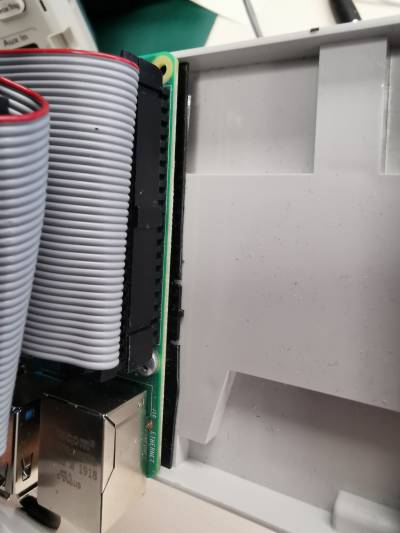
- Attach the Raspberry Pi to the plate with the included screws
- Remove the plastic coating from the sticky adhesive in the case and use this to affix the Pi into the left side of the case
- Trim the through hole on the PSU assembly and apply double sided adhesive tape, affix to the right side of the case
- Solder the wire to the solder points as pictured
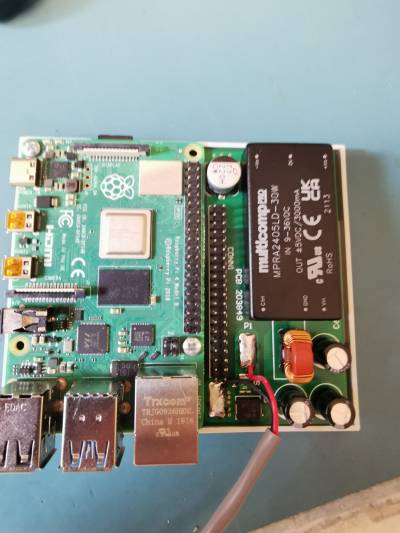
- Connect the ribbon cable
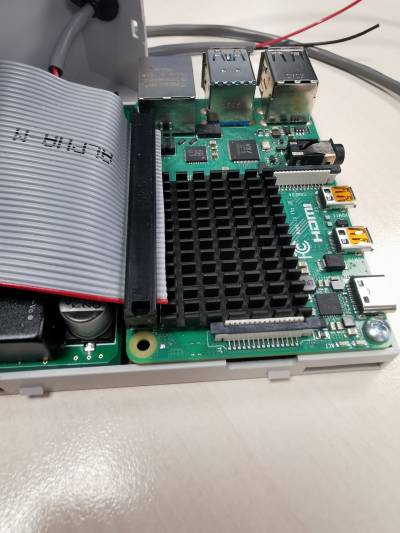
- Put the grommet into the hole on the case and feed the wire through
- Use a cable tie on the wire on the inside of the case as pictured
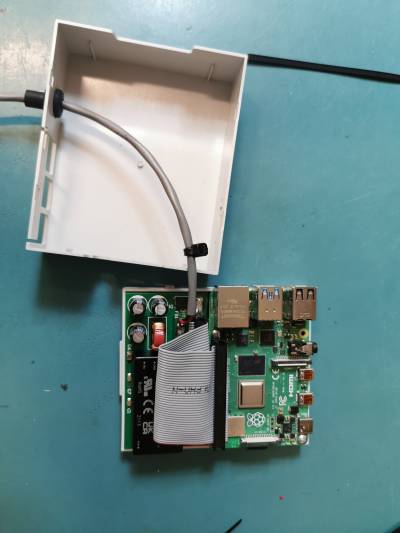
- Attach the top half of the case
- Insert the SD card
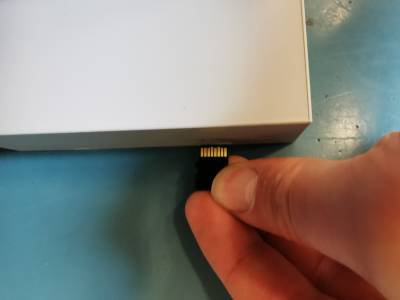
- Affix the label


Programming Instructions
- Open Balena Etcher
- Load the image file from S:/Code/Production/6010 Ethernet Adaptor
- Insert the SD card into the SD card reader
- Follow the instructions on screen to program the card
Testing Instructions
- Connect the ethernet cable
- Connect the HDMI cable to the test bench touch screen
- Connect the USB cable from the test bench touch screen
- Connect the power and apply 24V
- Turn on, after 20 seconds Poseidon will have loaded
- Ensure that the touch screen responds to touch
internal/proddocs/6010.1655716850.txt.gz · Last modified: 2023/07/12 14:12 (external edit)